Four Ways to Track Link Clicks
You can track clicks on almost any link, but the method you pick decides what you learn. Here's how the main options compare.
| Method | Best for | What you learn | Cost |
|---|---|---|---|
| Short link with analytics | Social bios, print, SMS, QR codes | Clicks, location, device, referrer | Free to low |
| UTM tags + Google Analytics | Links into your own website | Visits by source and campaign, on-site behaviour | Free |
| GA4 outbound click events | Links leaving your site | Which pages send clicks to which destinations | Free |
| Dedicated click tracker | Anything tied to revenue | Clicks, bots filtered, conversions and revenue per link | Paid |
Method 1: Short Links With Analytics
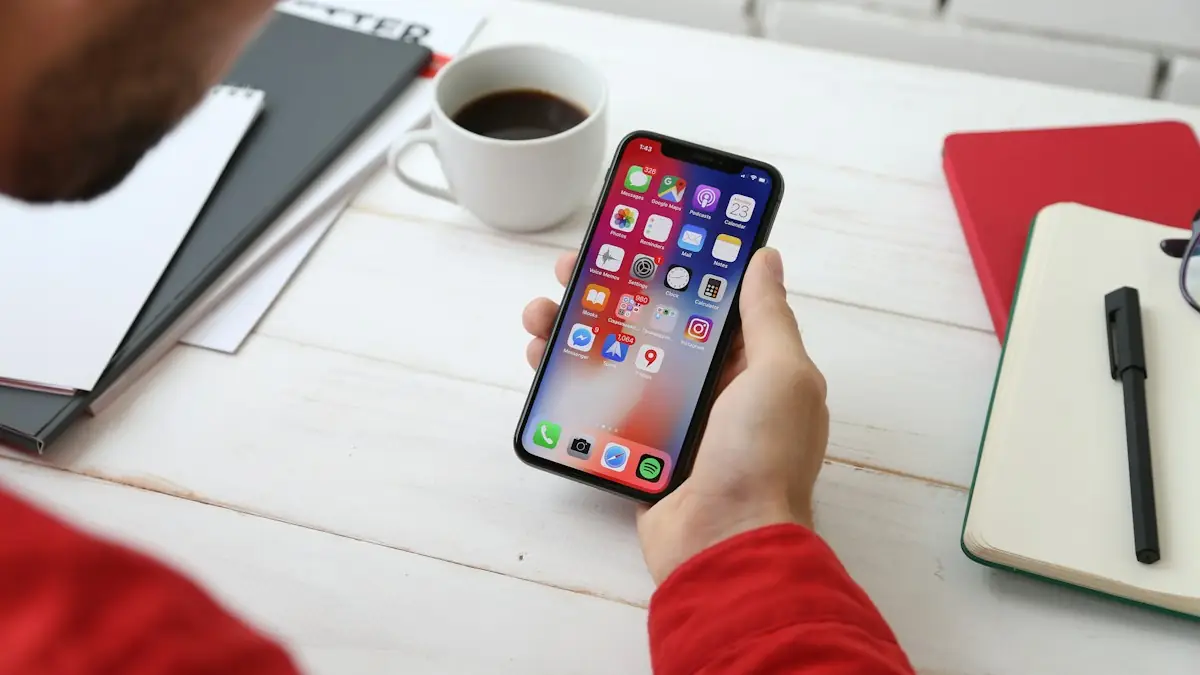
A short-link service turns a long URL into a short one and counts every click on it. It's the quickest option for places where people see the link: social bios, slides, podcasts, printed flyers and QR codes. Most show clicks over time, location and device.
The limit is that they stop at the click. See ClickMagick vs Bitly for the difference between counting clicks and tracking sales.
Method 2: UTM Tags and Google Analytics
For links pointing at your own site, add UTM parameters and read them in Google Analytics 4's acquisition reports. You'll see visits by source, medium and campaign, and what visitors did on your site. Our UTM guide has copy-ready examples.
Method 3: GA4 Outbound Click Tracking
GA4's Enhanced Measurement automatically records clicks on links that lead off your site. You can add a custom event to separate specific link clicks, such as affiliate or download links, from the rest. It's free and useful for content sites wanting to know which pages send clicks where.
Method 4: A Dedicated Click Tracker
A click tracker records each click with its source, filters bots, and follows the visitor through to a sale or lead, so you can see revenue per link, not just clicks. That's the step you need when links are part of how you make money: affiliate offers, paid traffic, solo ads or product launches.
ClickMagick, for example, offers tracked links and branded Smart Links for every channel, plus conversion tracking and bot filtering. See best click tracking software for alternatives.
Try ClickMagick FreeTotal Clicks vs Unique Clicks
| Measure | Counts | Useful for |
|---|---|---|
| Total clicks | Every click, including repeats | Overall engagement |
| Unique clicks | Each person or device once | Real reach |
| Filtered clicks | Unique human clicks, bots removed | Paying for traffic; judging quality |
If you pay for clicks, the third row is the one that matters. Bots and repeat clicks inflate the first two.
Tracking Clicks by Channel
- Email: your email platform tracks clicks by rewriting links. To connect clicks to sales, use a tracked link or UTMs too. See email link tracking.
- Social media: one short tracked link per bio, post or video. See social click tracking.
- Print and QR codes: a short link or QR code per placement, so you can compare flyers, events or packaging.
- Ads: UTMs on every ad, plus a tracker that records conversions and syncs ad costs.
- Your own website: GA4 events for button and outbound clicks.
Common Mistakes

- One link everywhere. Use a separate link for each placement, or you can't compare them.
- Counting bots as interest. Email scanners and bots can generate clicks. Filter where you can.
- Redirect chains. Passing a click through several services can lose data and slow the visitor down.
- Stopping at the click. Popular links aren't always profitable ones.
A Note on Privacy
Click tracking that uses cookies or identifies individuals can fall under privacy laws such as GDPR. Use a consent tool where required, avoid putting personal data in URLs, and only collect what you need.
Frequently Asked Questions
How can I track clicks on a link for free?
Use a free short-link service for simple counts, add UTM parameters and read them in Google Analytics 4, or turn on GA4's Enhanced Measurement to record outbound link clicks from your site. Each is free but stops at the click.
What's the difference between total clicks and unique clicks?
Total clicks counts every click, including repeats from the same person. Unique clicks counts each person or device once. Comparing the two shows whether people return to the same link.
Can I see who clicked my link?
Short-link and tracking tools show aggregate details such as location, device and referrer. Email platforms can show which subscriber clicked. Identifying individual website visitors raises privacy obligations, so follow the consent rules that apply to you.
How do I track clicks on a link in a PDF or printed flyer?
Use a short tracked link or a QR code that points to a tracked link. Each click or scan is recorded before the visitor reaches your page.
How do I know if a link click led to a sale?
You need conversion tracking on the destination, joined to the click. A dedicated tracker records the click, follows the visitor and credits the sale to that link.